1Orders & checks
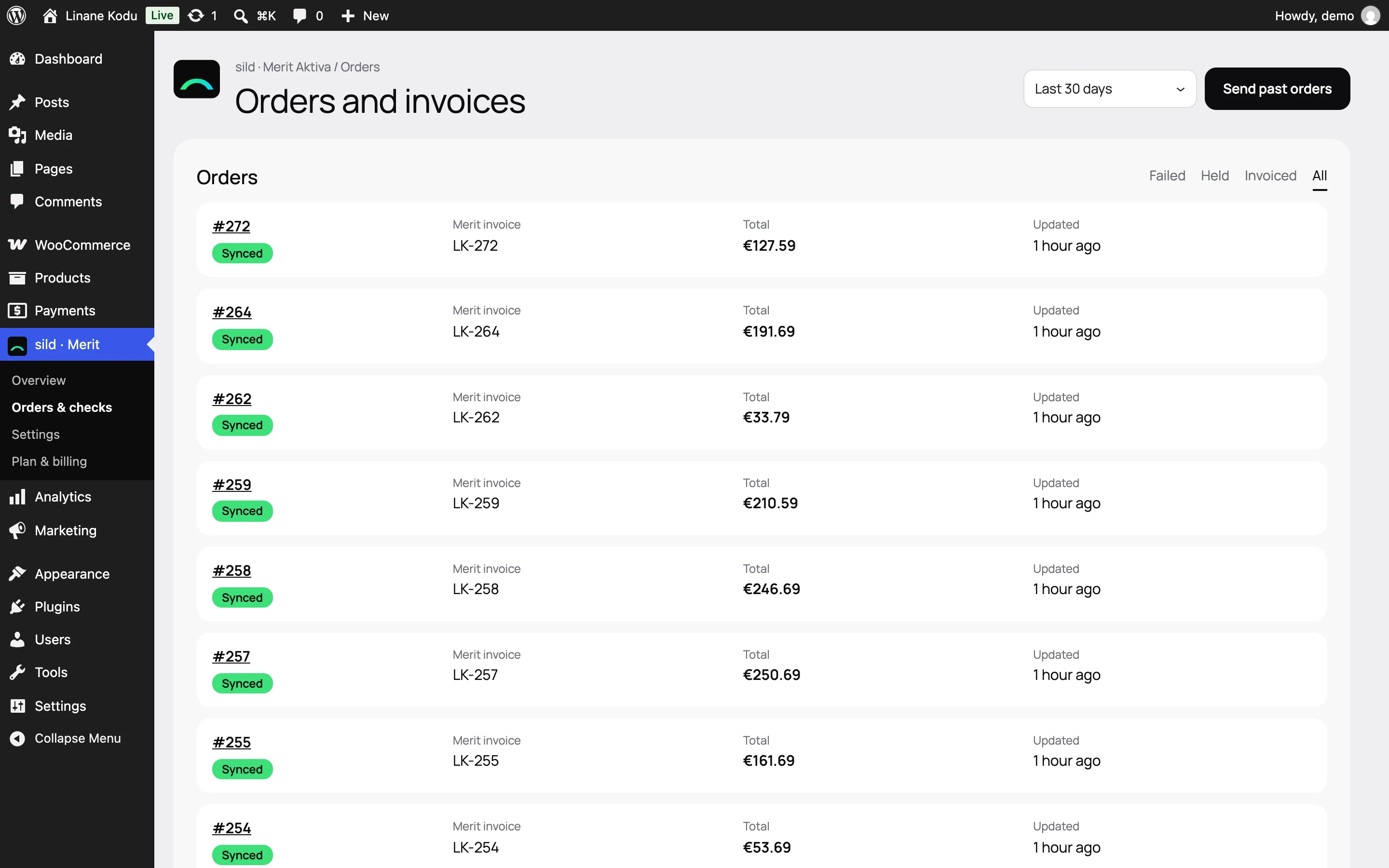
Every order's state in one list
Filter failed, waiting or invoiced orders and send again when needed.
Features
Invoices, refunds, payments, VAT and stock move on their own. You see the result and hear from sild only when something needs you.
Order #194851
Invoice in Merit in 2 seconds
Bank payment foundautomatic
Reference 1948514, order paid
Rounding €0.01
Invoice total = amount paid
Invoices01 / 06
Choose the order status that creates the invoice, separately for each payment method if you like.
Companies are matched by registry code, private buyers by name or kept on one shared card.
Each product is found in Merit by its SKU, and a missing one is created with the invoice.
Full, partial and amount-only refunds each get their own credit note, never more than the invoice.
An unpaid invoice is deleted, a paid one is credited. You choose the rule.
Discounts and gift cards land on the invoice correctly, and its language follows the customer.
Payments02 / 06
Each payment method gets its Merit method and bank account, and a paid order reaches Merit as paid.
Customers paying by bank transfer see the reference number at once, and the same number is on the Merit invoice.
When the bank import or the accountant marks the invoice paid, the order moves on in the shop by itself.
For example 7 days for bank transfers and none for cards.
If you want, a credit note is offset against its unpaid invoice, so the balance stays clean.
VAT03 / 06
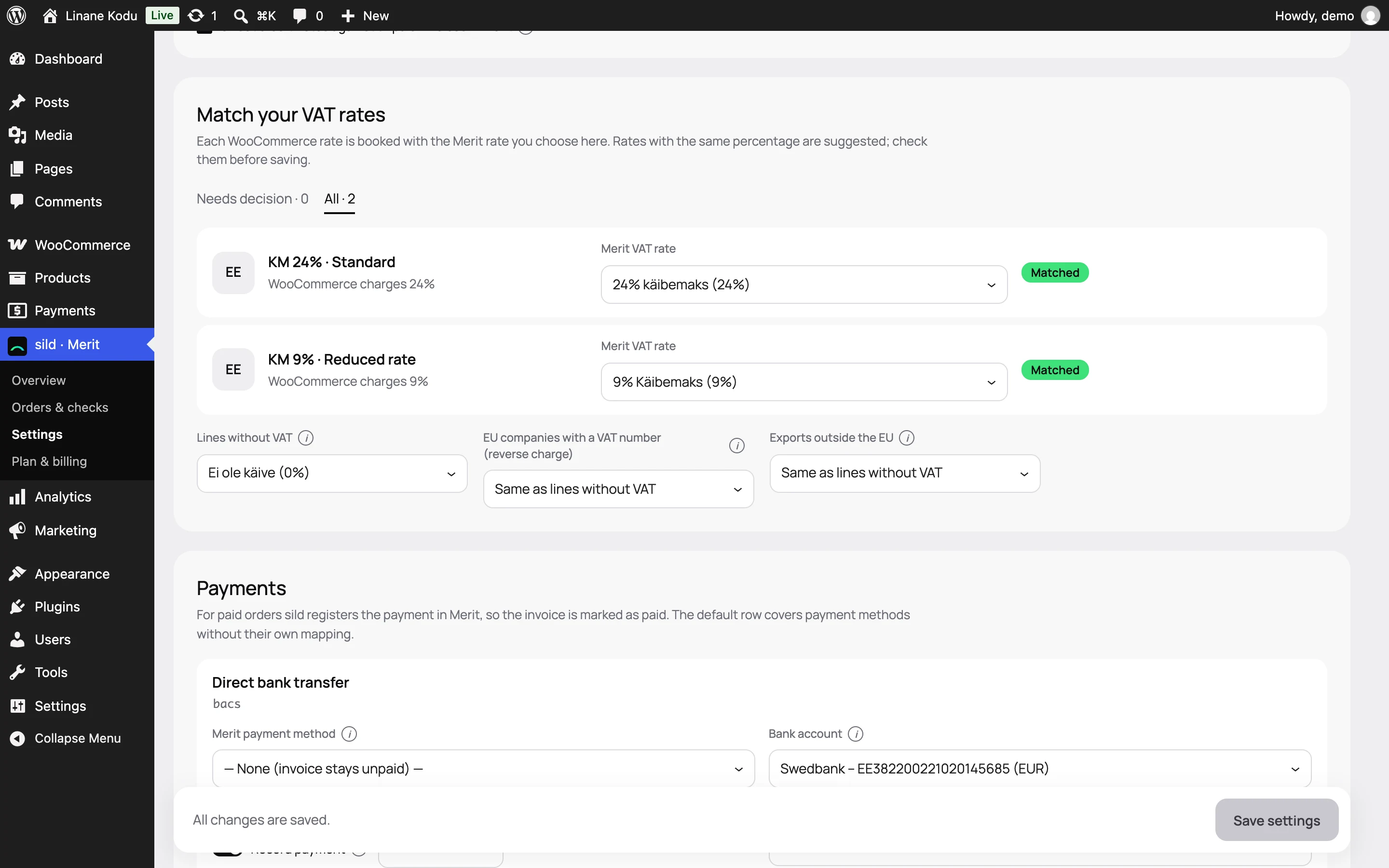
sild suggests a Merit tax for every WooCommerce rate and warns when the percentage does not match.
Each country's rate goes with its own Merit tax, as OSS requires.
EU businesses with a VAT number and sales outside the EU get their own 0% tax.
The VAT number is checked at once, and a business with a valid number can buy without VAT.
Company name, registry code and VAT number on both the classic and the block checkout.
Control04 / 06
Before going live you see for every order whether sild's invoice matches the one in Merit.
At 07:00 yesterday's orders are checked against Merit: deleted, changed or stuck invoices.
An email arrives for failed orders or a refused key, not for every little thing.
Orders wait and retry. Before a retry the invoice is looked up in Merit, so a second one never appears.
A document dated in a closed Merit period stops before it is sent, with the reason shown.
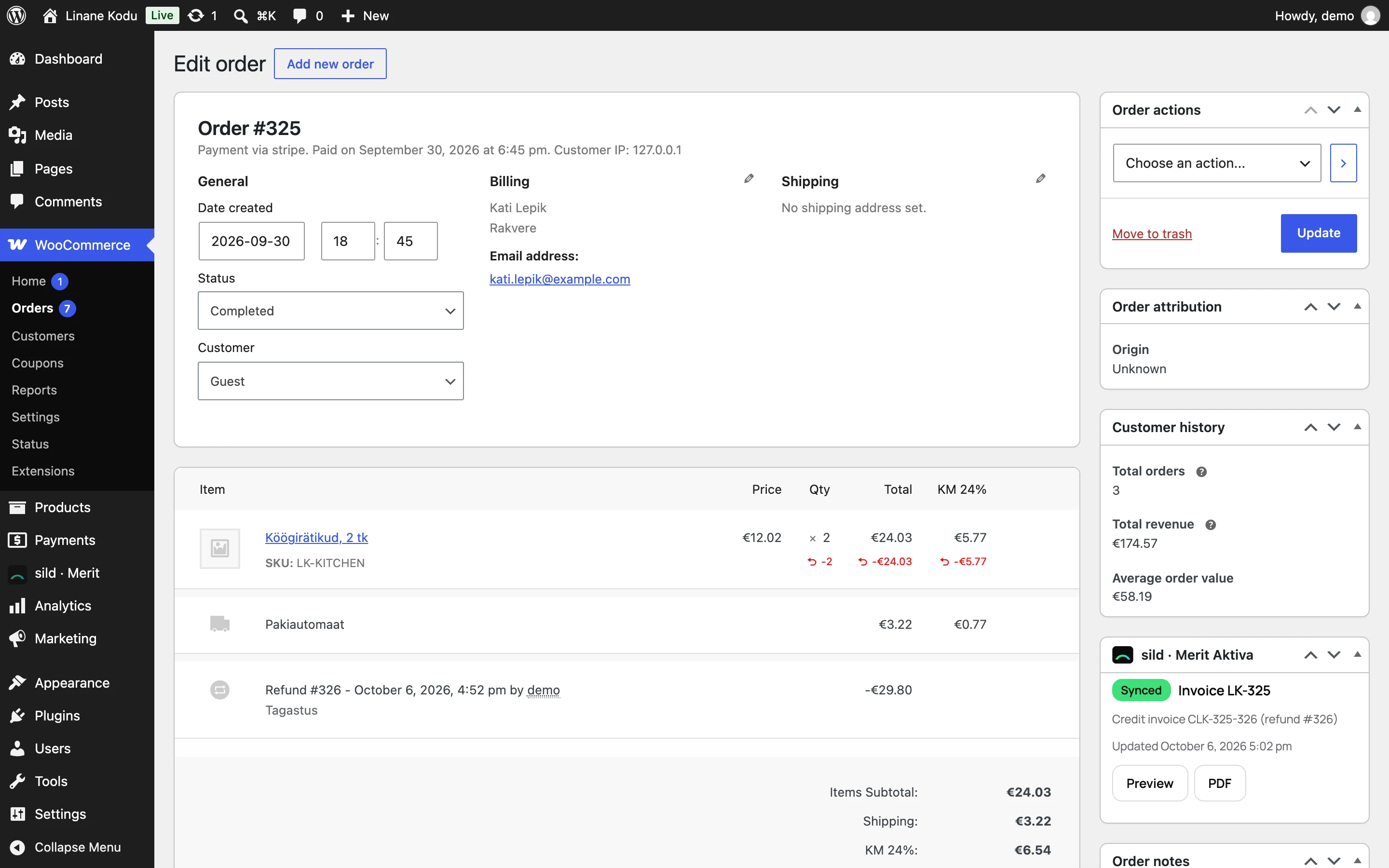
Invoice number, preview, PDF and send again right on the order screen.
Stock and shops05 / 06
Levels from the warehouses you choose every 15, 30, 60 or 180 minutes, with sales not yet invoiced kept.
Returned goods go to the warehouse you choose.
Shops booking into one Merit company share one plan, each with its own number prefix.
One button also sends the orders made before sild was installed.
Works with WooCommerce's new order tables and both checkouts, with filters for developers.
Screens06 / 06
1Orders & checks
Filter failed, waiting or invoiced orders and send again when needed.
2Order
Number, state, preview and PDF sit where you work with the order anyway.
Preview mode shows the result with your real orders and writes nothing to Merit.